The Chrono library is the main library that bitrl is using in order to simulate robots and create environments for reinforcement learning agents. As such, knowing your way around Chrono is essential. However, Chrono is a relatively large library with many components and therefore not necessarily easy to grasp. In a series of examples, we will see the main components of the library that bitrl utilizes. Note that you should have compiled Chrono with Irrlicht support in order to be able to run this example.
The main interface for creating rigid bodies in Chrono is the ChBody class. You can also find this Rigid Bodies helpful. ChBody is an abstract class, and therefore we cannot instantiate it directly. Chrono provides various classes however, we can immediately use. The one we will use in this example is the ChBodyEasyBox class. This is defined in the chrono/physics/ChBodyEasy.h header. Let's first create a box and try to visualize it. The function below does exactly that.
The following is a helper for setting up the visualization. We need to build Chrono with Irrlicht support in order to be able to use it as a visualization engine. You can find more information about the visualisation system in Chrono at Visualization System.
Below is the main driver for this example. It creates a box and attaches it to a ChSystem (see Simulation system for more information). It also sets up a minimal visualization obejct ChVisualSystemIrrlicht for the simulation and finally runs the simulation loop.
Compiling and running the code will not do anything exciting as can be verified by the image below
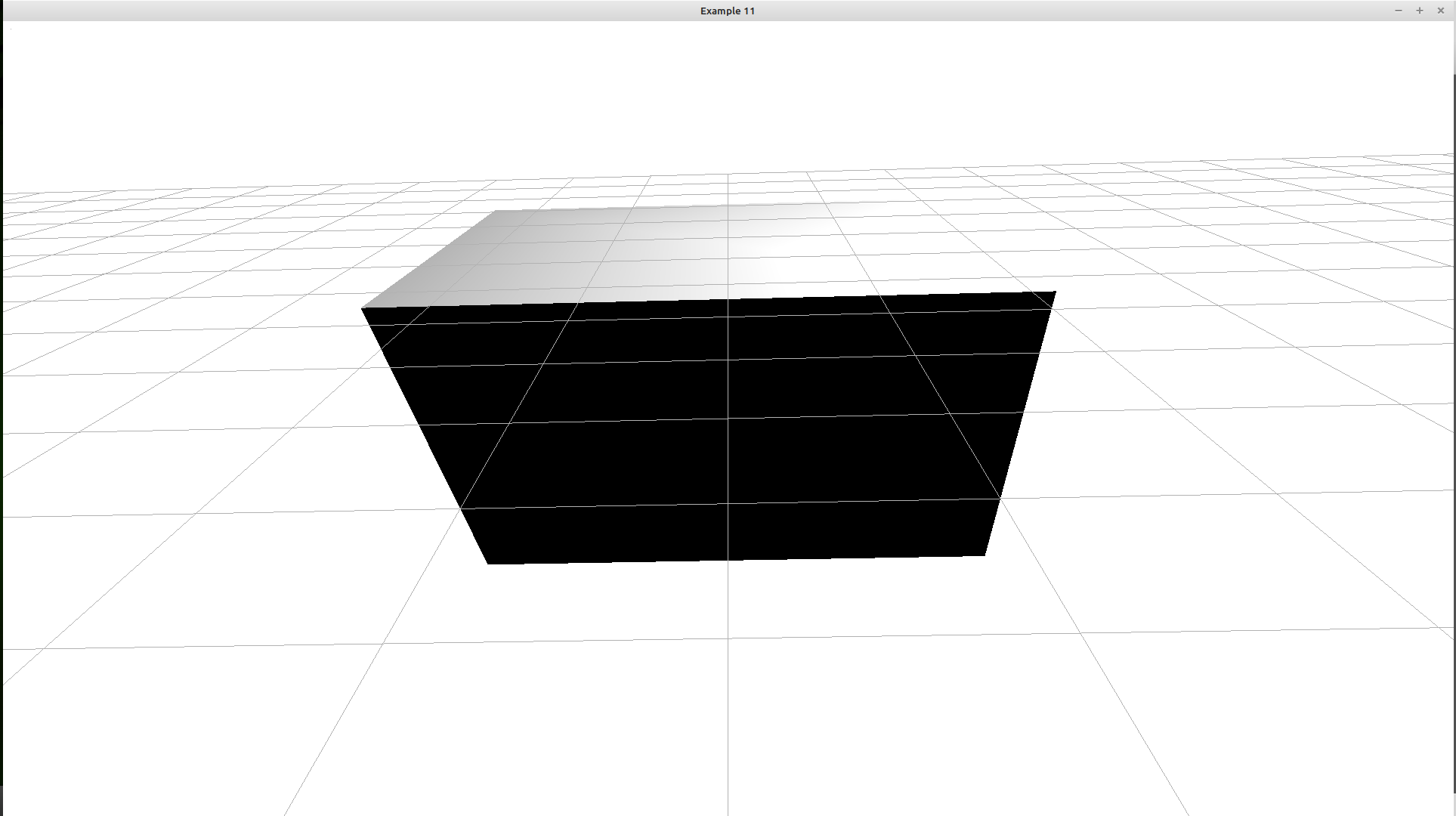
Rigid bodies in Chrono have a lot of attributes and the API is quite rich. Here are some of the method that we are typically interested
Let's change the main function so that it prints the position and the velocity of the box:
This prints the following
A question to ask is to which coordinate system the output refers to, The world reference frame or the one local to the body? According to Rigid Bodies such functions always refer to CoM frame. That is it returns the world position of the origin of the body reference frame. The same is true for GetLinVel. In order to understand this consider the following computation:
Now recall that any rigid transform can be written as
$$ T = (R, p) $$
where \(R\) is a rotation matrix and \(p\) is a translation vector. Chrono uses quaternions to express rotations but let's keep the discussion simple. Then
where \(p_{wr} = (0,0,0)\), \(p_{rc}=(0, 0, 0.22)\). When we multiply the two frames we do something equivalent to
However, the two frames are not rotated so both \(R_{wr}\) and \(R_{rc}\) are actually the identity matrix. Thus, we end up with
$$ p_{wr} + R_{wr} p_{rc} = (0, 0, 0.22) $$